Common types
Transfer, bonafide, character, study and conduct certificates.
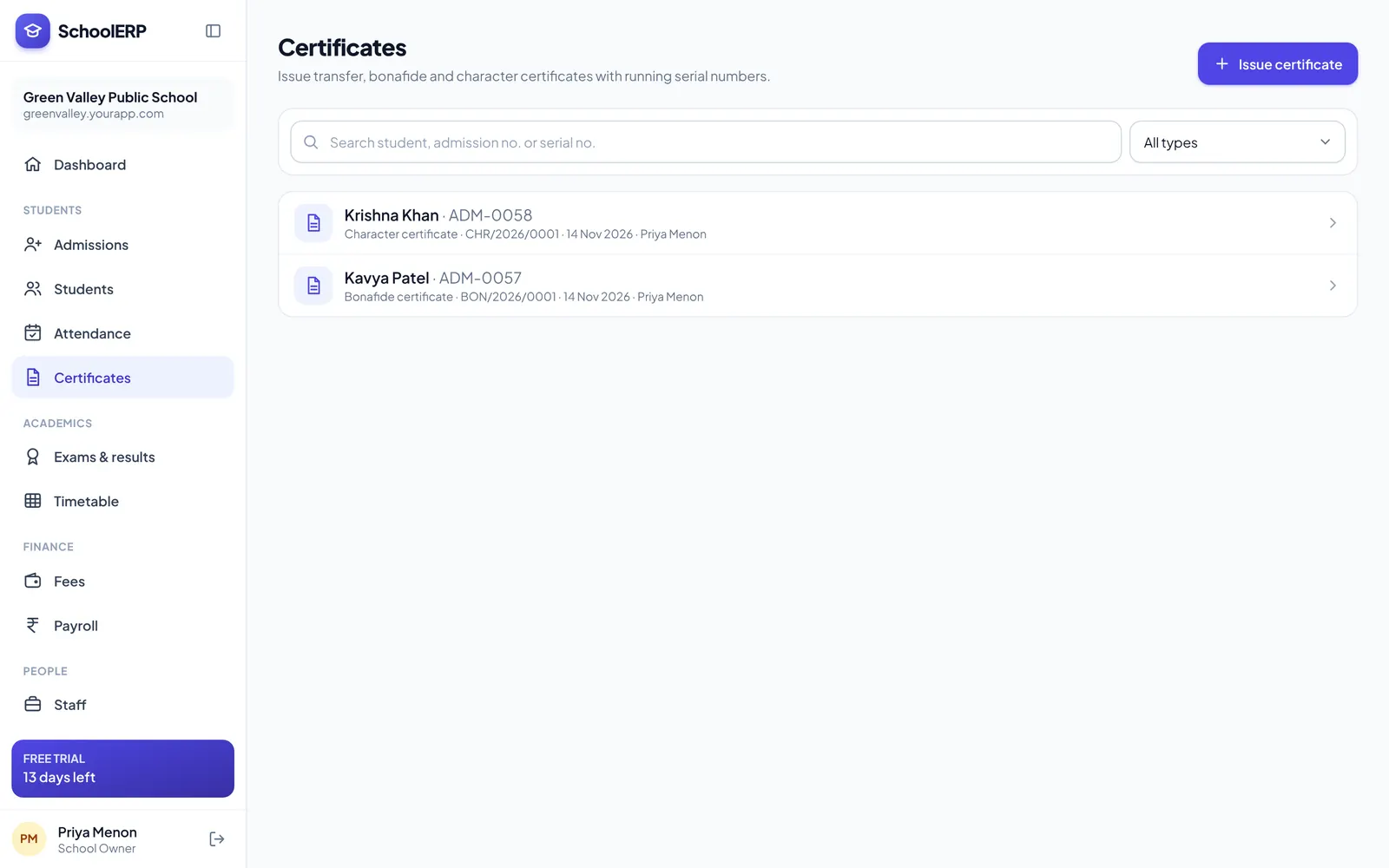
Pick a student and a certificate type. Name, class, dates and parent details are filled in for you, a serial number is assigned, and the certificate is ready to print or share.
Key features
Transfer, bonafide, character, study and conduct certificates.
Student and parent details come from the student database.
Every certificate is logged with its number, date and issuer.
Clean layouts on A4 that look good on letterhead.
Download a PDF to email or WhatsApp to parents.
Only authorised staff can issue certificates.
See it in action
Shown with a demo school. Your school sees its own name, data and colours.
Benefits
How it works
Pick the student and certificate type.
Review the filled-in details.
Print or download the PDF.
FAQ
Transfer, bonafide, character and other common certificates, with more designs being added.
Yes. Every certificate gets a serial number and is listed in the issue register.
Certificates is a yearly add-on available on any plan.
Create your school in about two minutes. No card needed for the free trial.