Routes and stops
Create routes with ordered stops, timings and distances.
Set up routes, stops and vehicles, assign riders and transport fees, and record who boarded each trip. Add GPS tracking to see buses live on a map.
Key features
Create routes with ordered stops, timings and distances.
Vehicle details, capacity, documents and driver contacts.
Assign students to routes and stops with transport fees.
Record pickup and drop for every trip.
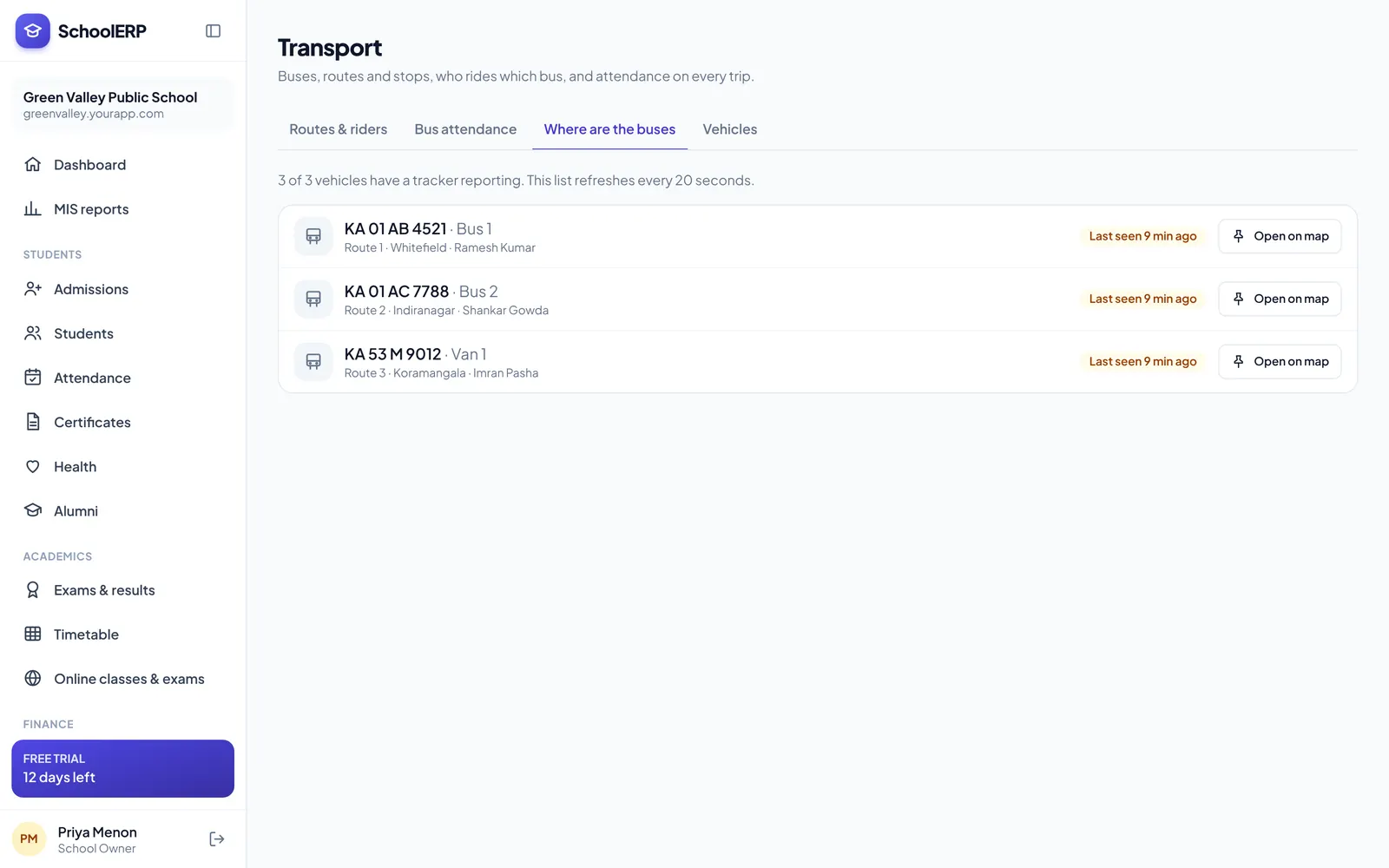
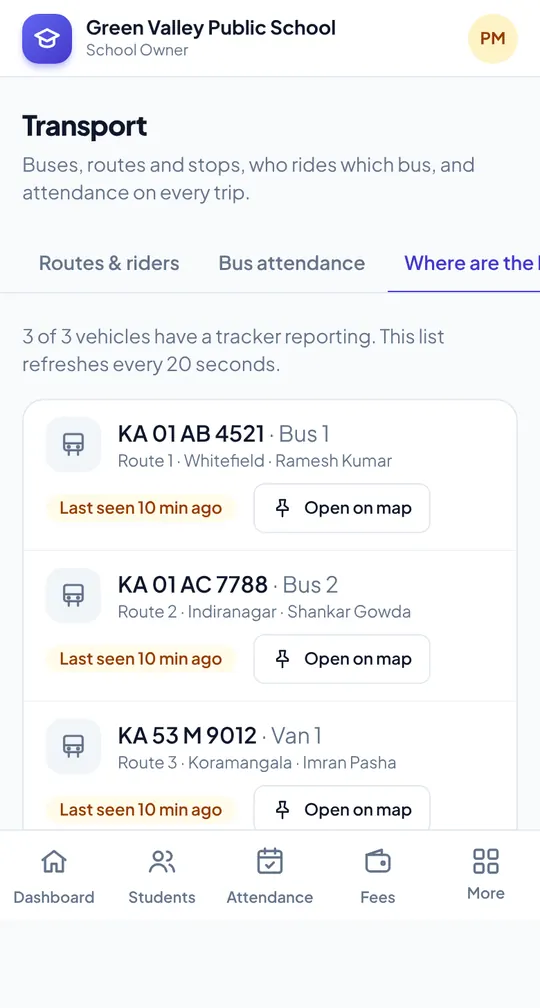
See every bus on a live map with the GPS tracking add-on.
Notify parents about delays and changes.
See it in action
Shown with a demo school. Your school sees its own name, data and colours.
Benefits
How it works
Add routes, stops and vehicles.
Link students to stops.
Record boarding and follow buses live.
The portal is built mobile first, so staff can use transport and gps tracking from the classroom, the gate or home, on Android or iPhone.
FAQ
You can use the driver’s phone or a GPS tracker device. Trackers are available under pay as you go.
Yes. Routes, vehicles, riders and bus attendance are in every plan. Live GPS tracking is a yearly add-on.
Yes. Riders can be billed transport fees through Fee Management.
Create your school in about two minutes. No card needed for the free trial.