Dashboard
Today’s attendance, collections and alerts.
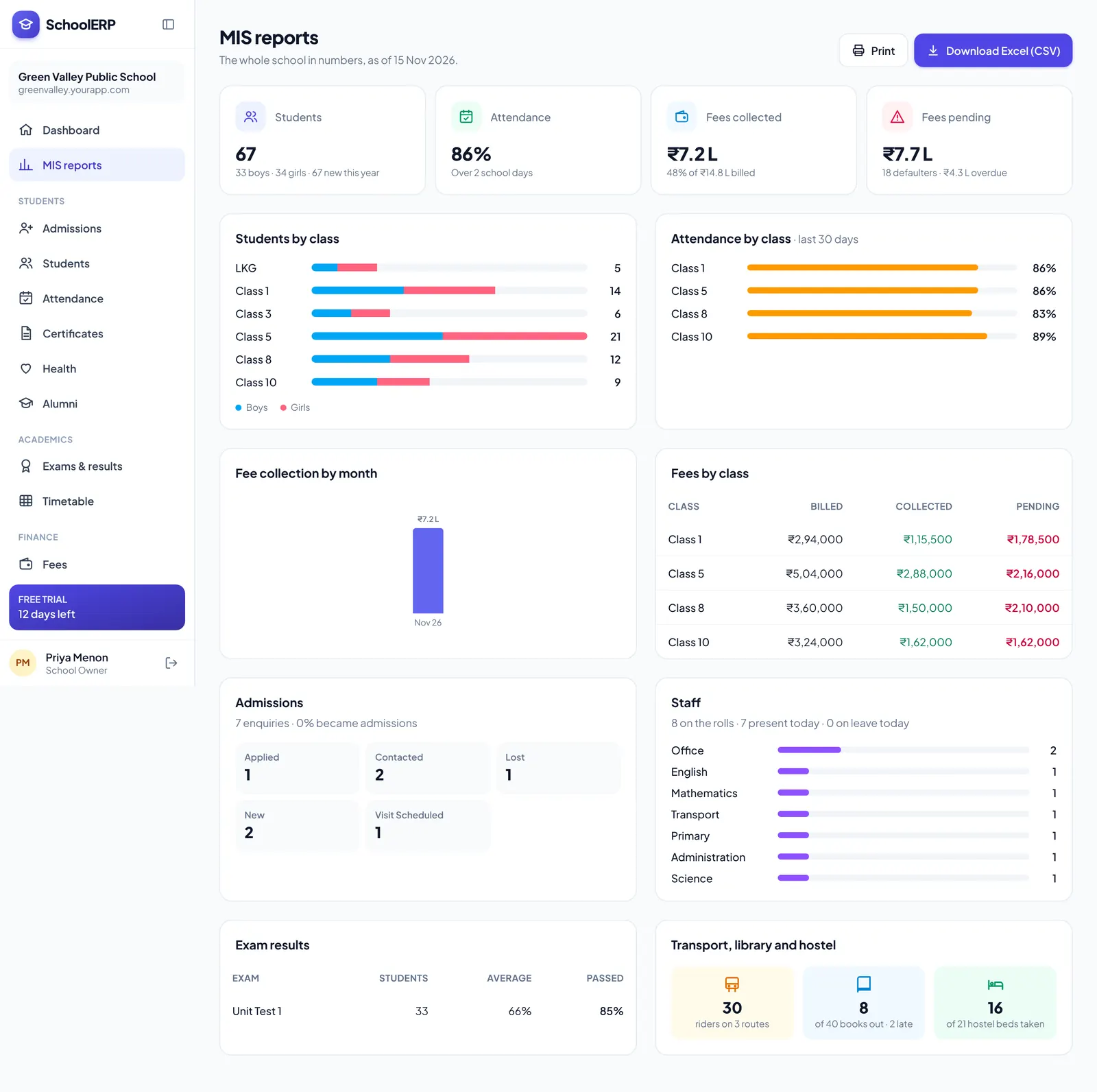
Strength, attendance, collections, dues, results and staff figures in one dashboard. Open any report, filter it and download it for meetings and inspections.
Key features
Today’s attendance, collections and alerts.
Strength by class, gender, category and more.
Collections, dues and concessions.
Results and toppers by exam and class.
Attendance, leave and payroll totals.
Download any report as CSV.
See it in action
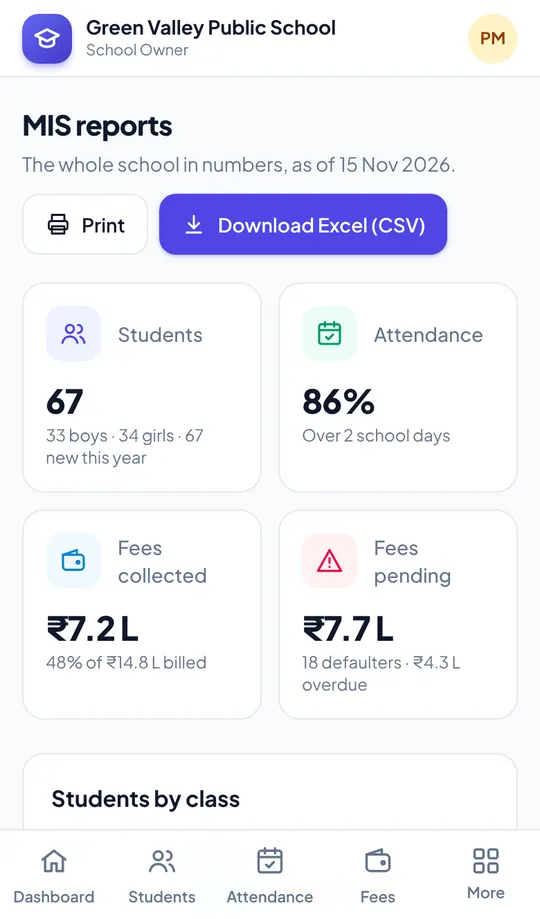
Shown with a demo school. Your school sees its own name, data and colours.
Benefits
How it works
Pick a report.
Choose class, dates or head.
Download or print.
The portal is built mobile first, so staff can use mis and reports from the classroom, the gate or home, on Android or iPhone.
FAQ
Every report downloads as CSV, which opens in Excel and Google Sheets.
Yes, MIS and reports are part of every plan.
Create your school in about two minutes. No card needed for the free trial.