Items and categories
Stationery, uniforms, lab and cleaning supplies.
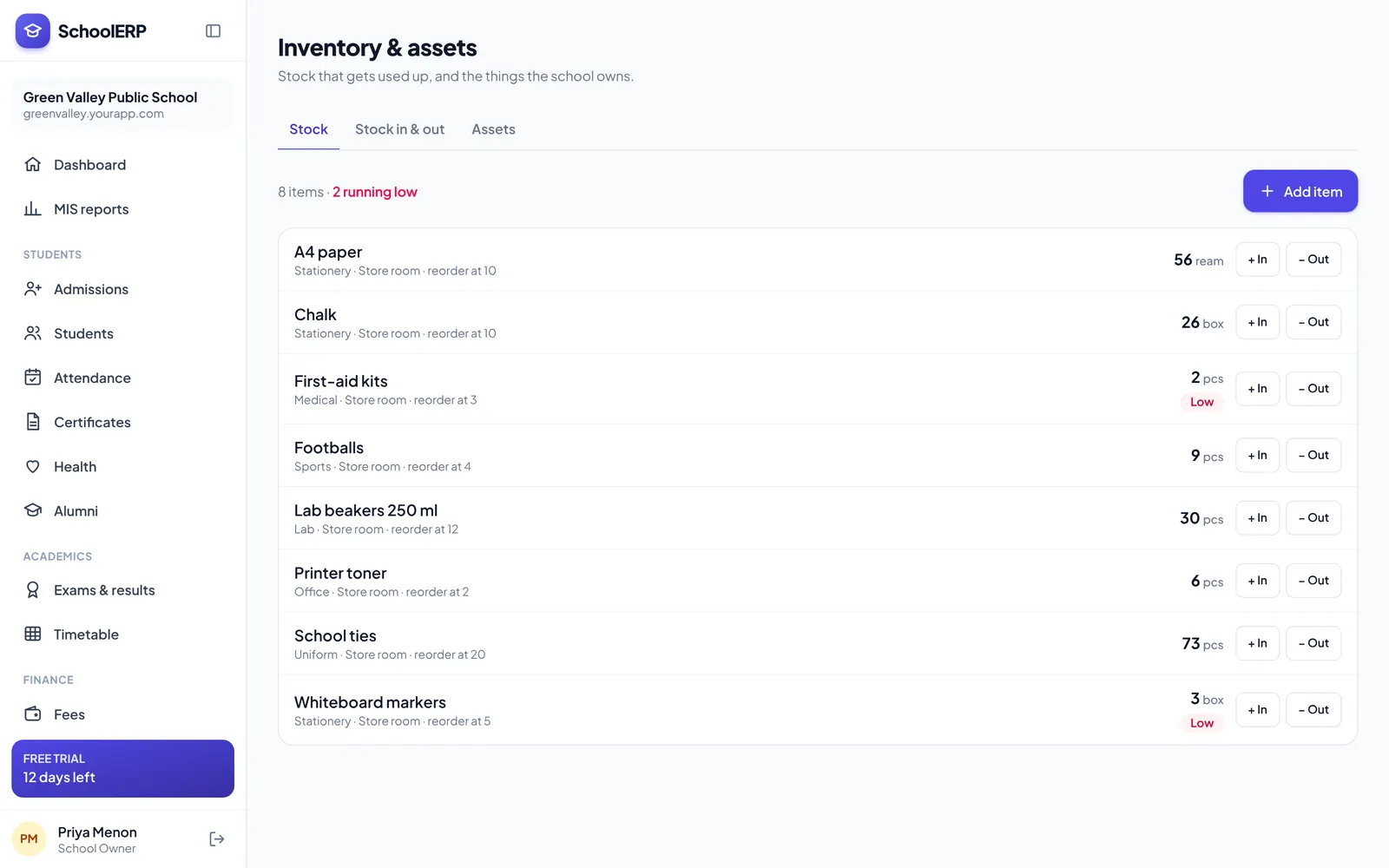
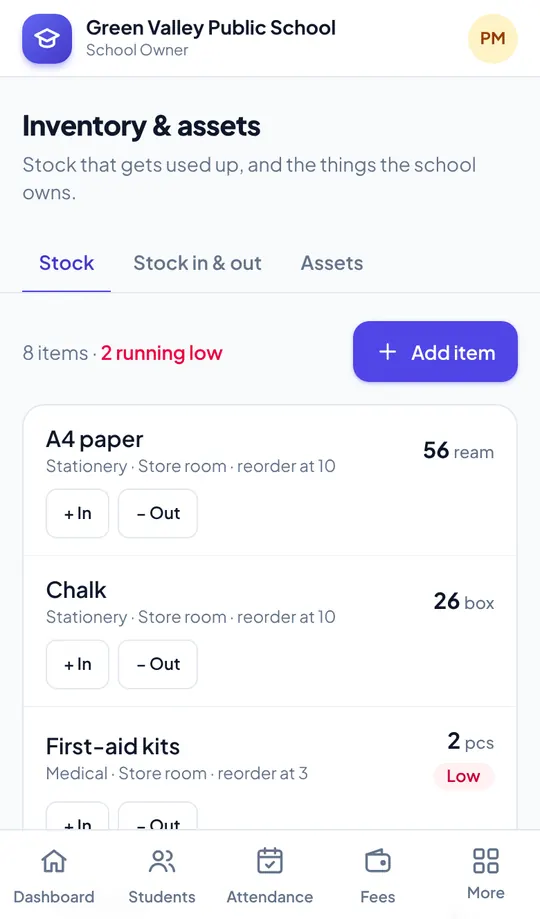
Record stock coming in and going out of the store, see what is running low, and keep a clear register of every asset from projectors to lab equipment.
Key features
Stationery, uniforms, lab and cleaning supplies.
Record purchases with supplier, quantity and cost.
Issue stock to departments and staff.
See items below their reorder level.
Assets with location, value, condition and assignee.
Every movement logged for audits.
See it in action
Shown with a demo school. Your school sees its own name, data and colours.
Benefits
How it works
Create items and assets.
Record purchases and issues.
Check levels, alerts and reports.
The portal is built mobile first, so staff can use inventory and assets from the classroom, the gate or home, on Android or iPhone.
FAQ
Yes. Consumable stock and long-term assets are tracked separately.
Yes, Inventory and Asset Management are part of every plan.
Create your school in about two minutes. No card needed for the free trial.