Question editor
MCQs with options and correct answers.
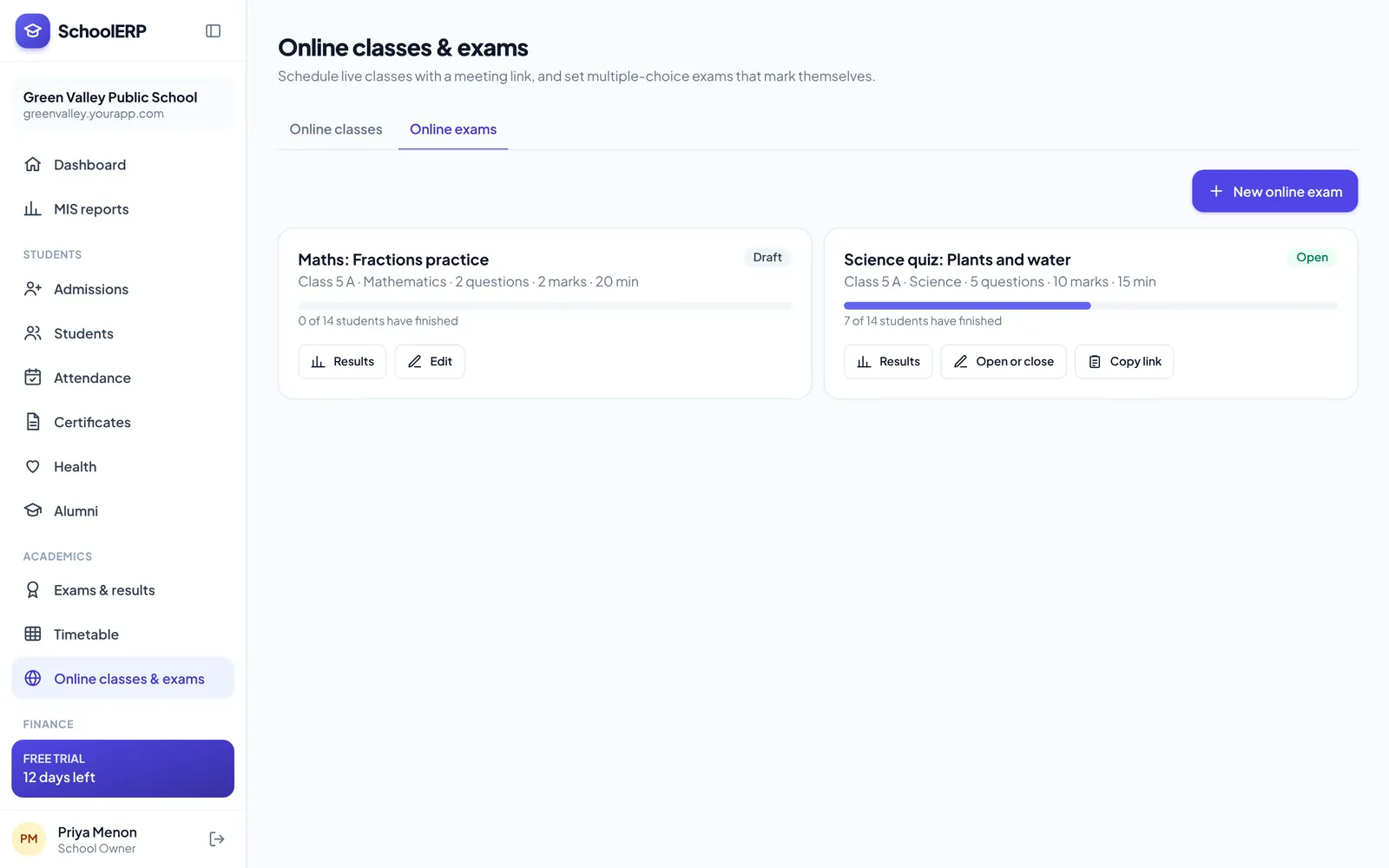
Build MCQ tests with a question editor, open them for a class, and get marks instantly. Schedule live classes with one-click join links for students.
Key features
MCQs with options and correct answers.
Set start, end and duration.
Shuffle questions and options per student.
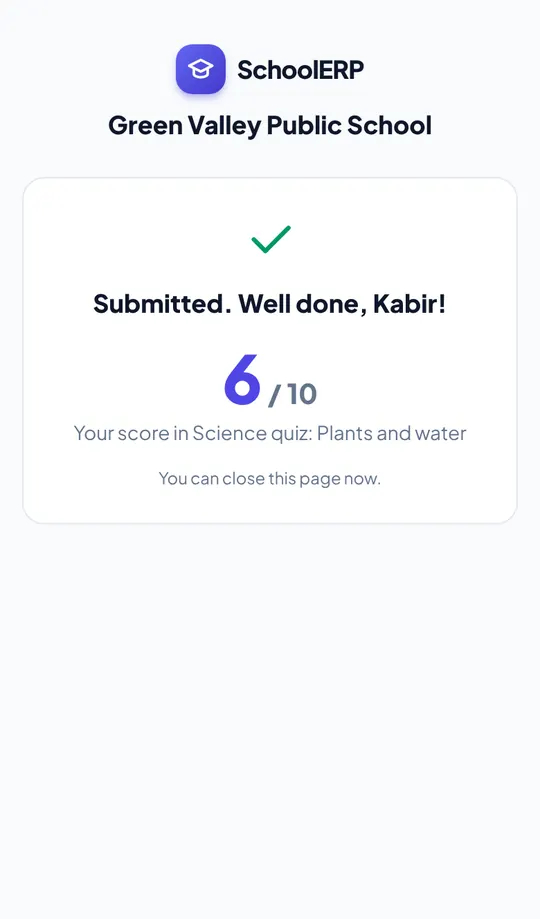
Scores and analysis as soon as students submit.
Zoom, Google Meet or Teams links for each class.
Students join on phone or laptop.
See it in action
Shown with a demo school. Your school sees its own name, data and colours.
Benefits
How it works
Write the test or schedule the class.
Share with the class.
See results or attendance.
The portal is built mobile first, so staff can use online exams and classes from the classroom, the gate or home, on Android or iPhone.
FAQ
Online exams and online classroom are pay as you go, charged per student per month only when you use them.
Zoom, Google Meet and Microsoft Teams links.
Create your school in about two minutes. No card needed for the free trial.